
Get your computers working properly again.
Sherrlinn provides practical computer repair and maintenance for businesses and individuals—helping diagnose faults, resolve software problems, improve performance and keep devices dependable.
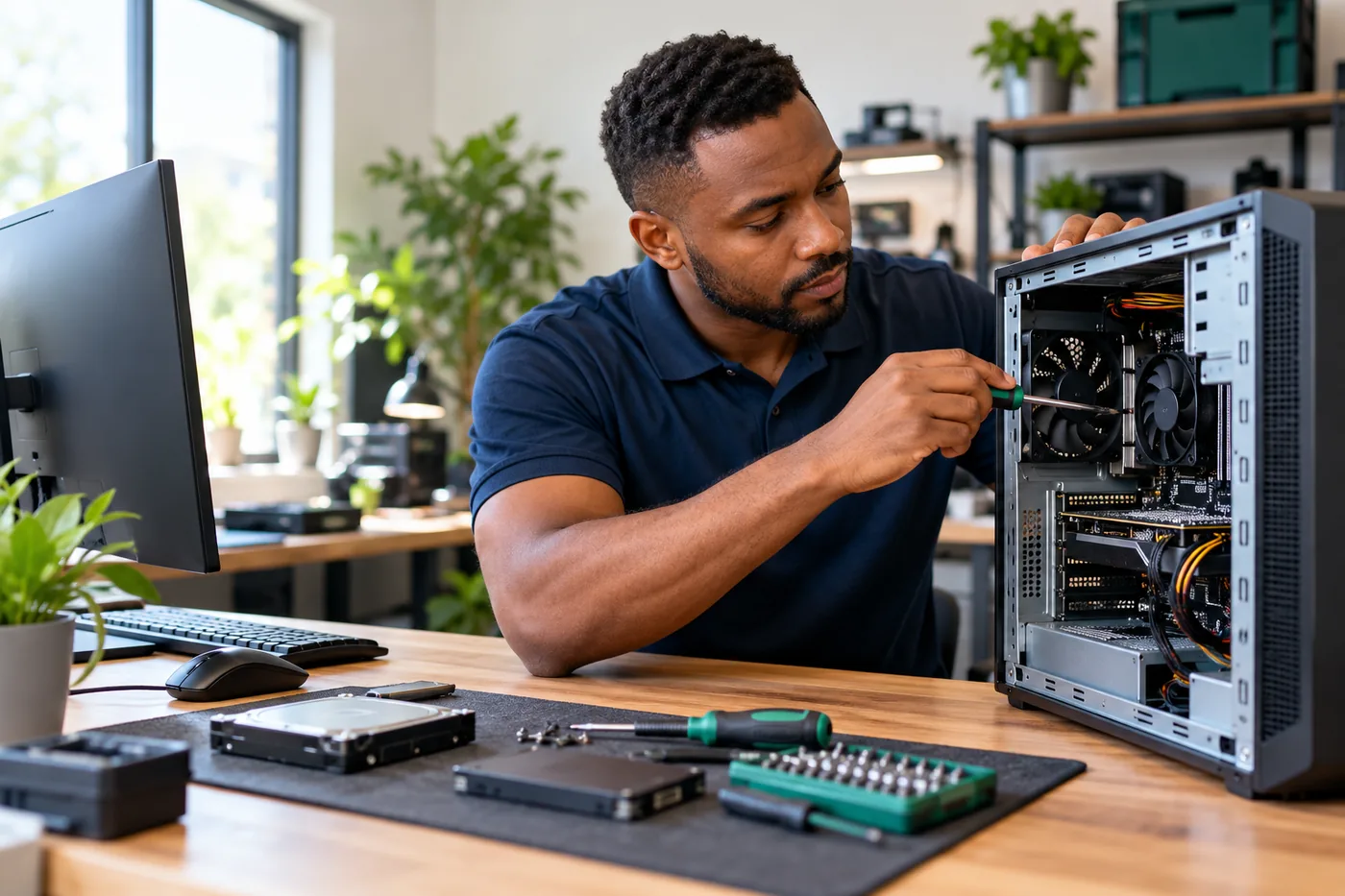
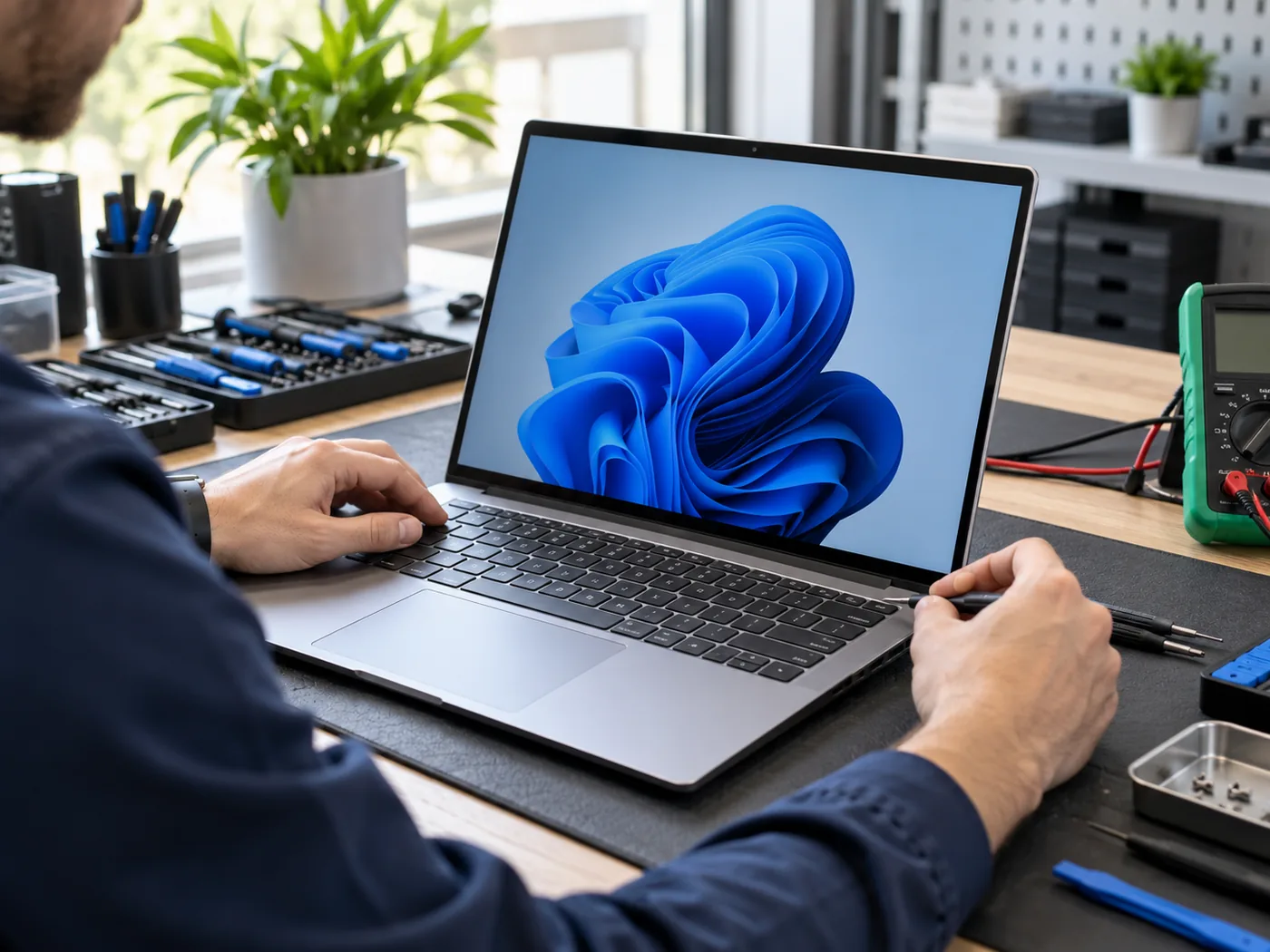
When a computer slows the business down, it needs attention.
Slow performance, startup problems and software errors can interrupt everyday work. We start with a practical assessment, explain what we find and recommend the most sensible next step.
- Slow computers and long startup times
- Windows, driver and software problems
- Crashes, freezing and unexpected errors
- Storage, memory and performance concerns
- Virus or malware symptoms that need investigation
- Hardware faults that may require repair or referral
Practical computer repair & maintenance.
Support for common faults, performance issues, software setup and ongoing device care.
Diagnostics & Troubleshooting
Assess symptoms, identify likely causes and recommend practical next steps.
Performance Optimisation
Review slow startup, background software, storage and system performance.
Hardware Upgrades
Advice and installation for compatible memory, storage and selected components.
Operating System Support
Help with Windows setup, updates, settings and common operating system issues.
Driver & Software Support
Installation, updates and troubleshooting for approved drivers and applications.
Data Backup Guidance
Help planning sensible backups before risky work or major system changes.
Virus & Malware Checks
Investigation and appropriate cleanup support where technically suitable.
Laptop & Desktop Support
Assistance for business and personal Windows computers, subject to assessment.
Peripheral Setup
Help connecting and configuring printers, displays and compatible accessories.
Computer Maintenance
Routine checks, updates and optimisation to help devices stay dependable.
Clear starting prices for practical support.
We confirm the scope and likely cost after assessing the device and issue.
Basic Computer Check
For an initial assessment of one computer and straightforward software or performance concerns.
- Initial fault assessment
- General system health check
- Basic startup and software review
- Initial recommendations
- Quote for further work if needed
Computer Repair & Troubleshooting
For common Windows, software, driver and configuration problems.
- Windows troubleshooting
- Software and driver issues
- Performance and update problems
- Approved software configuration
- Agreed troubleshooting scope
Maintenance Service
For routine maintenance, system health checks and practical performance optimisation for one device.
- Performance review and optimisation
- Operating system updates
- Startup and software cleanup
- Basic security and health checks
- Maintenance recommendations
Multi-device / Business Support
For several business devices, recurring maintenance or tailored support requirements.
- Multiple computers
- Business device preparation
- On-site needs where available
- Recurring maintenance
- Specialist or complex requirements
Final pricing depends on the complexity and time required. Replacement parts and components, software licences, travel or on-site charges, specialist repairs and work beyond the agreed scope are quoted separately. Packages do not include unlimited troubleshooting.
We diagnose first—then recommend the right next step.
Computer symptoms can have several possible causes. We assess the device before committing to a repair, and explain whether a repair, upgrade, specialist referral or replacement is the more sensible option.
- You receive a clearer understanding of the likely fault
- Any additional costs are discussed before extra work begins
- Hardware compatibility is checked before upgrades are recommended
- Data risk is explained where a device or drive may be failing
- Specialist board-level or component work may be referred externally
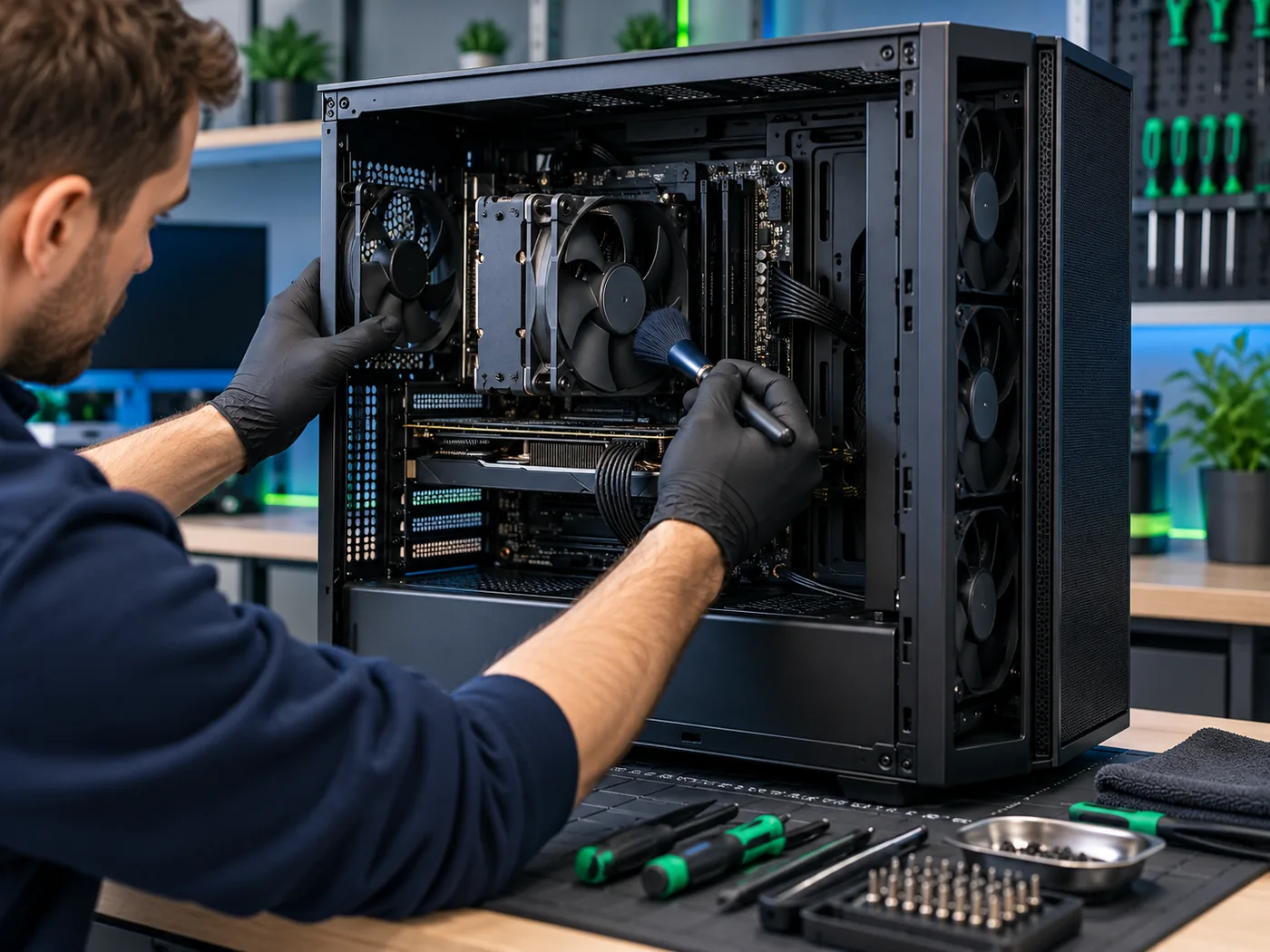
Different problems need different solutions.
We separate software support from physical hardware work so the scope stays clear.
Software & system support
Windows problems, updates, drivers, approved software, account setup, performance issues and common configuration faults can often be handled directly after assessment.
Hardware repairs & upgrades
Memory, storage and selected replaceable components can be assessed and upgraded where compatible. Complex, soldered or specialist hardware repairs may require referral and a separate quote.

Look after the computers your work depends on.
Routine maintenance can help reduce avoidable problems and reveal warning signs before they become more disruptive. It does not guarantee that a device will never fail, but it supports better day-to-day reliability.
- Operating system and approved software updates
- Startup and background-program review
- Storage space and basic device health checks
- Security-software status checks
- Backup and replacement recommendations
Support for individual and business computers.
Every device is assessed individually, with practical advice based on its age, condition and role.
Individual devices
Help with personal laptops and desktops, slow performance, updates, common software issues and sensible upgrade guidance.
Business devices
Support for staff computers, device preparation, recurring maintenance and related business IT needs. For broader support, explore our IT Support services.
A clear, diagnosis-first approach.
We keep the process practical and explain the options before additional work is approved.
Discuss
Tell us about the device and symptoms.
Assess
We review the likely issue and condition.
Diagnose
We investigate the cause and scope.
Approve
You approve the recommended work.
Repair
We complete the agreed repair or setup.
Test
We check the device and share guidance.
What is included—and what may cost extra.
Scope is confirmed before work begins so there are no implied unlimited services.
Typical repair scope may include
- Diagnosis and testing
- Labour for the agreed fix
- Operating system and driver support
- Basic software configuration
- Performance optimisation
- Post-work testing
- Practical recommendations
Usually quoted separately
- Replacement parts and components
- Paid software and licences
- Data recovery
- On-site travel
- Specialist board-level repairs
- Extensive troubleshooting
- Physical or liquid damage
- Large migrations or data transfers
Support the rest of your business technology.
Computer repair can connect naturally with wider IT, website and hosting support.
Computer repair questions, answered.
Clear guidance before you book a repair or maintenance visit.
How much does computer repair cost in South Africa?
Basic computer checks start from R350, computer repair and troubleshooting from R650 per job, and maintenance services from R850 per device. Final pricing depends on complexity and time required; parts, licences, travel or on-site charges and specialist repairs may be quoted separately.
Do you repair laptops and desktops?
Yes, we assess many Windows laptops and desktops for software, performance and selected hardware issues. The exact work depends on the device design, condition and parts availability.
Can you fix a slow computer?
Often, yes. We first identify whether the cause is software, storage, memory, overheating, malware or ageing hardware, then recommend appropriate steps.
Do you remove viruses and malware?
We can investigate suspected infections and provide cleanup support where appropriate. Severe infections, compromised data or specialist recovery may require additional work or referral.
Can you recover lost data?
Basic data access or transfer may be possible in some cases, but data recovery is not included in standard repair pricing and success cannot be guaranteed. Specialist recovery may be recommended.
Do you replace laptop screens or keyboards?
Selected component replacements may be possible after assessment and subject to compatible parts. Parts, labour and any specialist repair requirements are quoted separately.
Do you repair computers on-site?
On-site assistance may be available depending on the location and issue. Travel and on-site time are quoted separately, and some repairs need workshop assessment.
How long does a repair take?
Timing depends on the fault, diagnosis, parts availability and workload. We provide an estimate after assessment and keep you informed if the scope changes.
Should I repair or replace my computer?
We consider the device’s age, condition, performance needs and likely repair cost. If replacement is more sensible than repair, we will explain why.
Do you offer maintenance for business computers?
Yes. We can discuss recurring maintenance or a custom support arrangement for several staff devices. Broader technology needs may be better suited to our IT Support service.
Get practical computer support today.
Tell us what your computer is doing and we’ll help you identify the most sensible next step.